
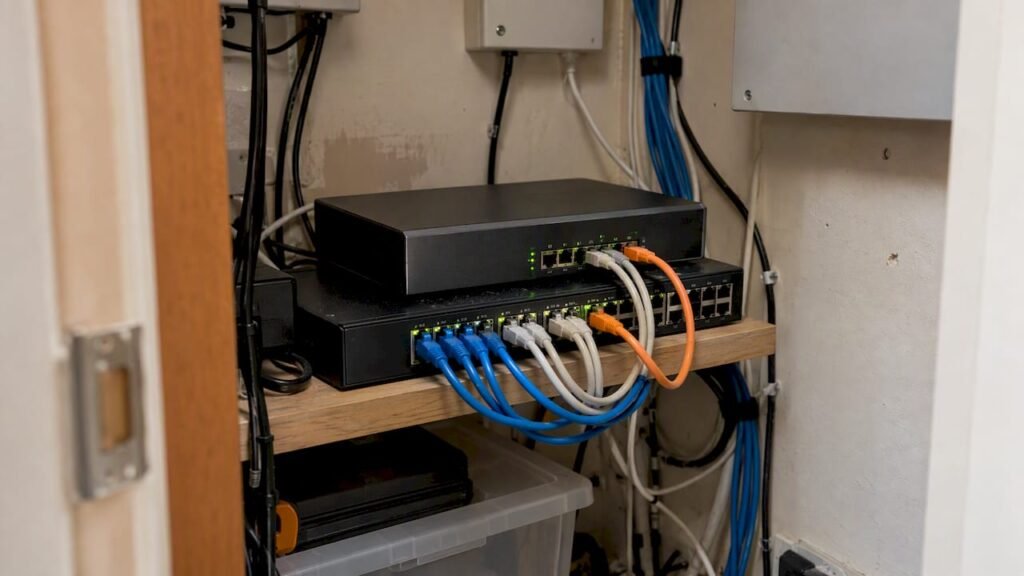
Yes, most small businesses should put network segmentation in place, and the first move is simple: separate guest Wi-Fi from your main network, pull IoT devices like cameras and printers onto their own zone, and start an inventory of your highest-value systems. That approach lines up with guidance from NIST, the FTC, and CISA.
TL;DR:
- Most small offices can use VLANs on a managed switch and firewall rules that block traffic between zones unless a specific business need permits it.
- Build broad zones first because microsegmentation needs mature automation; SASE or ZTNA suits teams working remotely or across cloud services.
- After rollout, use flow logs or basic alerts to spot traffic between zones, and review firewall rules quarterly or after adding devices or vendors.
- FTC case reviews linked one in five breached small businesses to weak third party access controls; give vendors temporary, least privilege credentials.
Table of Contents
- What network segmentation actually means for your business
- The segments most small businesses need first
- How to actually build the segments: VLANs, firewalls, and more
- A six-step starter plan you can follow
- Keeping watch: monitoring and maintenance after rollout
- Signs you’re overdue and what the work actually takes
- What small businesses tend to get wrong about segmentation
- How we help you design and manage segmentation
- FAQ
- Sources
What network segmentation actually means for your business
Think of your network the way shipbuilders think about a hull. A ship isn’t one open space. It’s divided into watertight compartments, so if water gets in through one hole, it floods that section and stops there. The FTC uses this exact analogy for network segmentation, and it’s the clearest way to picture it.
In practice, a segment is a separate zone on your network, enforced by firewalls and traffic rules, where devices can only talk to what they actually need to talk to. Your front-desk laptop doesn’t need to reach your accounting server. Your smart thermostat doesn’t need to reach anything on your corporate network at all.
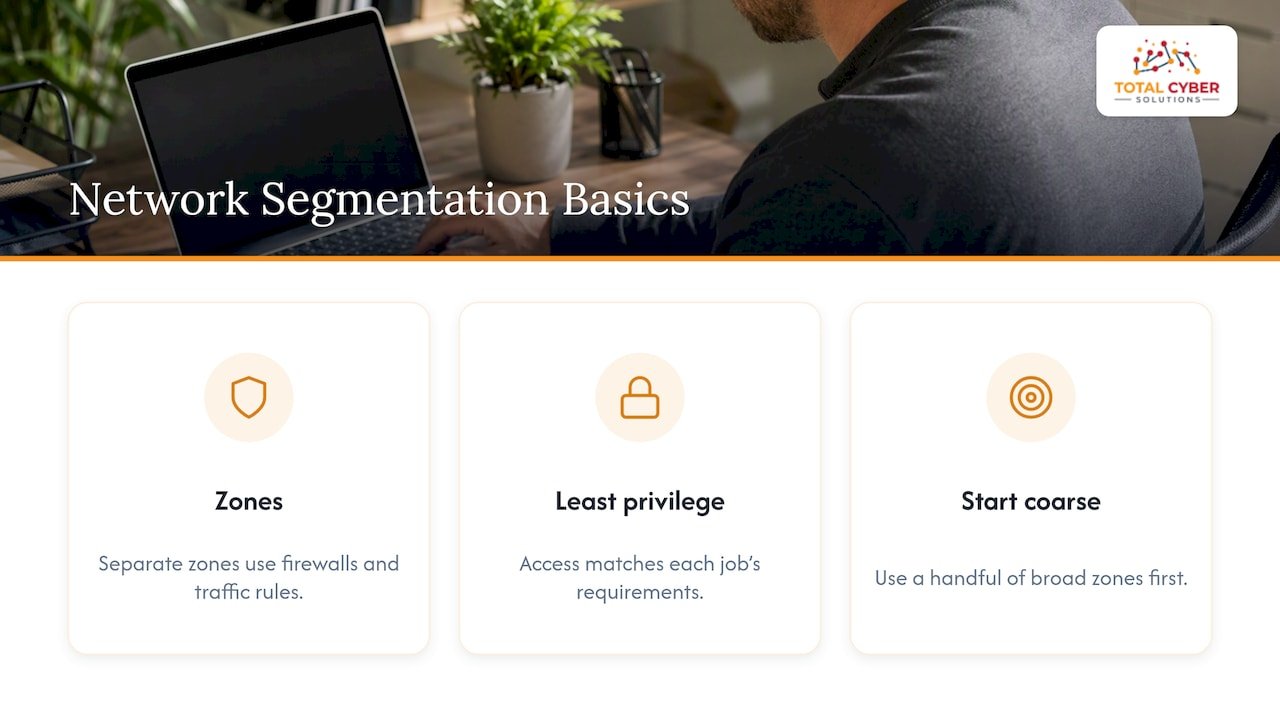
This is also the foundation of Zero Trust, the model CISA recommends where access is granted on a least-privilege basis, meaning people and devices only get what their job requires. You don’t need to chase full microsegmentation on day one. NIST’s guidance for smaller environments points toward starting coarse, with a handful of broad zones, and getting more granular later only where it earns its keep.
The segments most small businesses need first
You don’t need numerous network zones to get real protection. A handful of well-chosen segments covers most of the risk small businesses actually face.
- Corporate/employee network: where staff devices, email, and day-to-day work happen.
- Guest Wi-Fi: fully separate from business systems, which the FTC specifically recommends for any visitor-facing connection.
- IoT and office devices: cameras, printers, smart locks, thermostats, anything that connects to the internet but isn’t a computer.
- Servers and business-critical systems: your file server, accounting software, databases, anything that would hurt the most if it went down.
- VoIP or point-of-sale: isolated if you take payments or run phones over IP.
IoT is where a lot of small businesses get caught out. A poorly secured camera or printer sitting on the same network as your file server gives an attacker a quiet entry point, then a straight path to something that matters. NIST’s small manufacturing guidance calls this out directly as a common failure mode.
Enforcement doesn’t require enterprise gear. Separate SSIDs with WPA2 or WPA3 encryption, basic VLANs on a managed switch, and firewall rules that block traffic between segments unless it’s explicitly needed will cover most of what a small office requires. We’ve written a guide to hardening small-business Wi-Fi if you want the setup details.
Pro Tip: Start with guest Wi-Fi and IoT. They’re the fastest wins and the most common entry points, so isolating them first gives you the most protection for the least effort.
How to actually build the segments: VLANs, firewalls, and more
Most small businesses can implement real segmentation with gear they already own or a modest upgrade, not a network overhaul.
- VLANs on a managed switch. Virtual LANs let you logically separate traffic without running new cables. NIST’s analysis of virtual networking confirms this is a standard, supported way to isolate device groups, and you should check whether your managed switch supports it.
- A firewall with segment-aware rules. A next-generation firewall placed at the boundary between zones lets you set deny-by-default policies, meaning nothing crosses between segments unless you specifically allow it. NIST’s firewall guidelines recommend exactly this layered approach.
- Macro before micro. Macrosegmentation, broad zones like the ones above, is the right starting point for most small businesses. Microsegmentation, controlling traffic between individual workloads or applications, adds real value but needs more mature automation and policy management to run well, which CISA’s Zero Trust guidance notes directly.
- Cloud and remote options. If your team works remotely or across cloud services, SASE and ZTNA tools can extend segmentation principles beyond the office, an approach CISA outlines for businesses moving past traditional VPNs.
For most small businesses, option one and two together get you most of the protection. Save the cloud-native tools for when your setup genuinely spans multiple locations or a remote workforce.
A six-step starter plan you can follow
NIST’s approach for smaller organizations breaks down into six manageable steps, and you can realistically begin working through them.
- Inventory your assets. List every device and system, then flag the ones that would hurt most if compromised, your servers, financial software, customer data. We have a six-step asset inventory guide that follows the same NIST framework.
- Group by function and risk. Assets that talk to each other and share a security requirement belong in the same group. Start with the obvious splits: guest, IoT, corporate, servers.
- Design your segments. Decide what each zone needs to reach outside itself, and write down the minimum rules required. Everything else gets blocked.
- Implement and test. Set up VLANs and firewall rules, or have a managed partner configure them, then confirm traffic actually behaves the way you designed it to.
- Add visibility. Flow logs and basic alerting let you see what’s crossing between zones, which matters more than the segmentation rules themselves over time.
- Review and iterate. Revisit the rules quarterly or whenever you add new devices or vendors, and keep a simple change log.
Pro Tip: Tackle the first three steps in a focused work session. The inventory and grouping work is where most of the thinking happens; the technical setup moves faster once you know what you’re building.
Our small business cybersecurity checklist walks through the groundwork that pairs with this plan, including the access controls that make segmentation stick.
Keeping watch: monitoring and maintenance after rollout
Segmentation without monitoring is a fence with no one checking the gate. The FTC’s review of real breach cases found that detection failures, not just initial break-ins, let attackers move around undetected for longer than they should have.
You don’t need an enterprise security operations center to get meaningful visibility. A few lightweight tools go a long way:
- Flow logs that show which devices are talking to which segments.
- A basic SIEM or log aggregator that flags unusual patterns instead of requiring someone to read raw logs.
- Intrusion detection alerts tuned to flag large or unexpected data transfers.
- Centralized access management for VPN and vendor connections, which CISA recommends as a way to simplify who can reach what.
One in five small businesses that suffer a breach trace it back to inadequate access controls on third-party or vendor connections, according to FTC enforcement case reviews. That’s the gap vendor access policies are meant to close: temporary, least-privilege credentials for anyone outside your team, with contract language that holds vendors to your security standards. If you handle card payments, a PCI compliance checklist is worth reviewing alongside your segmentation plan, since point-of-sale access is a common vendor touchpoint.
Signs you’re overdue and what the work actually takes
A few warning signs tend to show up together in small networks that haven’t been segmented yet.
- One flat network. Every device, from the receptionist’s laptop to the backup server, sits on the same subnet.
- IoT mixed in with critical systems. Cameras and smart devices share a network with your servers or payment systems.
- Broad vendor access. A contractor or vendor VPN reaches far more of your network than their job requires.
- No logging. You’d have no way to tell if something unusual happened last week.
If any of these sound familiar, segmentation should move up your priority list. The good news is that the quick wins, guest Wi-Fi and IoT isolation, can be practical starting points once you have the right switch and firewall configuration. A fuller rollout across all your segments, with monitoring and documented policies, takes more planning and work. After that, CISA’s guidance is blunt about one thing: segmentation isn’t a set-it-and-forget-it control. Someone on your team, even part time, needs to own the rules, document changes, and review them periodically.
What small businesses tend to get wrong about segmentation
The biggest mistake we see isn’t under-segmenting, it’s jumping straight to complexity. A small business doesn’t need a large number of microsegments and automated policy engines. It needs clear zones, firewall rules that actually get tested, and someone checking the logs now and then.
The second mistake is treating monitoring as optional. Segmentation without visibility just means you won’t notice when a rule gets misconfigured or a new device lands in the wrong zone. The staged approach, coarse zones first, visibility second, refinement later, holds up far better in practice than trying to build the perfect network architecture on the first attempt.
If you’re weighing where to start, the guest Wi-Fi and IoT split is almost always the right first move, regardless of your industry or size.
— Alden
How we help you design and manage segmentation
Building segments is one project. Keeping them accurate as you add devices, staff, and vendors is an ongoing job, and that’s where a managed partner earns its keep. Our Managed Cybersecurity Services cover the design, implementation, and continuous monitoring of your network zones, backed by senior security staff rather than general IT support.

Depending on where you’re starting from, a few of our services map directly onto the plan above:
- Managed Cybersecurity Services: ongoing monitoring, alerting, and policy upkeep for your segments.
- Vulnerability Analysis: identifies your highest-risk assets before you design zones around them.
- vCSO and Security Consulting: gives you a senior security voice to own the rules and governance long term.
- Policy Compliance: aligns your segmentation with frameworks like HIPAA or CMMC if your industry requires it.
If your network has grown past the point where one flat setup still makes sense, reach out through our contact form and we’ll help you figure out where to start.
FAQ
What are examples of network segmentation?
Common examples include separating guest Wi-Fi from a business network, isolating IoT devices like cameras and printers onto their own VLAN, and keeping servers or payment systems on a restricted zone that only authorized devices can reach. The FTC describes this as dividing a network into watertight compartments that contain a breach to one area.
What do NIST guidelines say about network segmentation?
NIST’s guidance for small organizations outlines a six-step approach: inventory assets, group them by communication and security needs, design segments, implement controls, add monitoring, and review regularly. It frames segmentation as a cost-effective way for resource-limited businesses to contain threats.
What is the best way to segment a small business network?
Start coarse: build a handful of broad zones for guest Wi-Fi, IoT, corporate devices, and servers before attempting detailed microsegmentation. NIST and CISA guidance both point toward this staged approach because it delivers protection quickly without requiring advanced automation.
What should I check before choosing a network segmentation approach?
Confirm your existing switches and firewall support VLANs and deny-by-default rules, since most business-grade hardware from recent years already does. Also check whether you have any way to monitor traffic between zones, since segmentation without visibility leaves misconfigurations unnoticed, a gap CISA’s access security guidance addresses directly.
Sources
- Stick with Security: Segment your network and monitor who’s trying to get in and out | Federal Trade Commission
- Security Segmentation in a Small Manufacturing Environment | NIST
- Cisa
- Modern Approaches to Network Access Security | CISA